How to Time-Box with Google Calendar, Apple Calendar & Outlook
Chrobox Team
February 22, 2025
6 min read
Frequently Asked Questions
Can I use time-boxing with any calendar app?
Yes. Any calendar that lets you create timed events supports basic time-boxing. Google Calendar, Apple Calendar, and Outlook all work well. The key is treating each event as a dedicated work block, not just a reminder. Apps like Chrobox add automation on top of this by syncing tasks directly into your calendar blocks.
How do I stop calendar invites from breaking my time blocks?
Mark your time-boxing blocks as "Busy" so others cannot schedule over them. In Google Calendar, set visibility to "Private" and status to "Busy." In Outlook, use the block status feature. Communicate to colleagues that blocked slots are dedicated work time, not free slots.
Is there a way to automate time-boxing in my calendar?
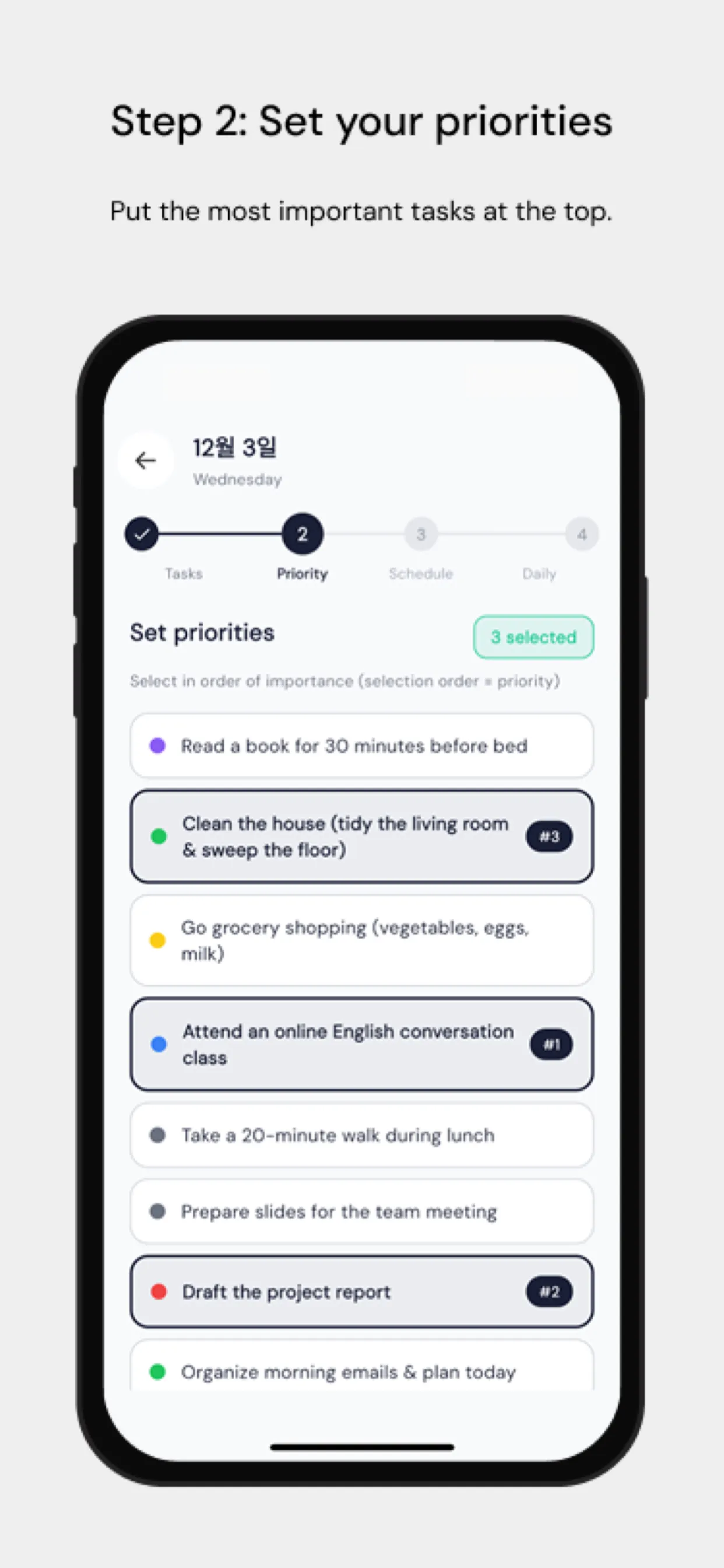
Yes. Chrobox integrates with your existing calendar to automatically create time blocks for your tasks. You add tasks with estimated durations, and Chrobox finds available slots and populates your calendar, eliminating the manual drag-and-drop process entirely.
More from this series
Tools & ComparisonsStart Time-Boxing with Chrobox Today
Transform your productivity with a 3-day free trial.
Start Free Trial